Unibet Login Problems – Common Causes & Step-by-Step Fixes (2026)

Quick Diagnostic Summary (Updated November 2026): If you cannot sign in to Unibet, start with the official login page and a password reset. Technical errors, unfinished verification, account limits, and self-exclusion can look similar on the login screen, but they are not solved in the same way. Use the quick table below to pinpoint the exact cause.
| Symptom / Error Message | Most Likely Cause | Immediate Action |
|---|---|---|
| “Invalid email or password” | Typo, Caps Lock, or outdated saved password | Use Forgotten password before hitting 5 failed attempts |
| Login spins or loops back | Corrupted browser cookies, VPN, or ad-blocker | Open a private window, disable VPN, or clear site cookies |
| Signed in, but cashier/play restricted | Pending KYC identity or address verification | Check the verification tab in your account & upload requested ID |
| Account blocked / self-exclusion notice | Active responsible-gambling limit or exclusion | Respect the active period; do not attempt to bypass |
Use the official Unibet login page
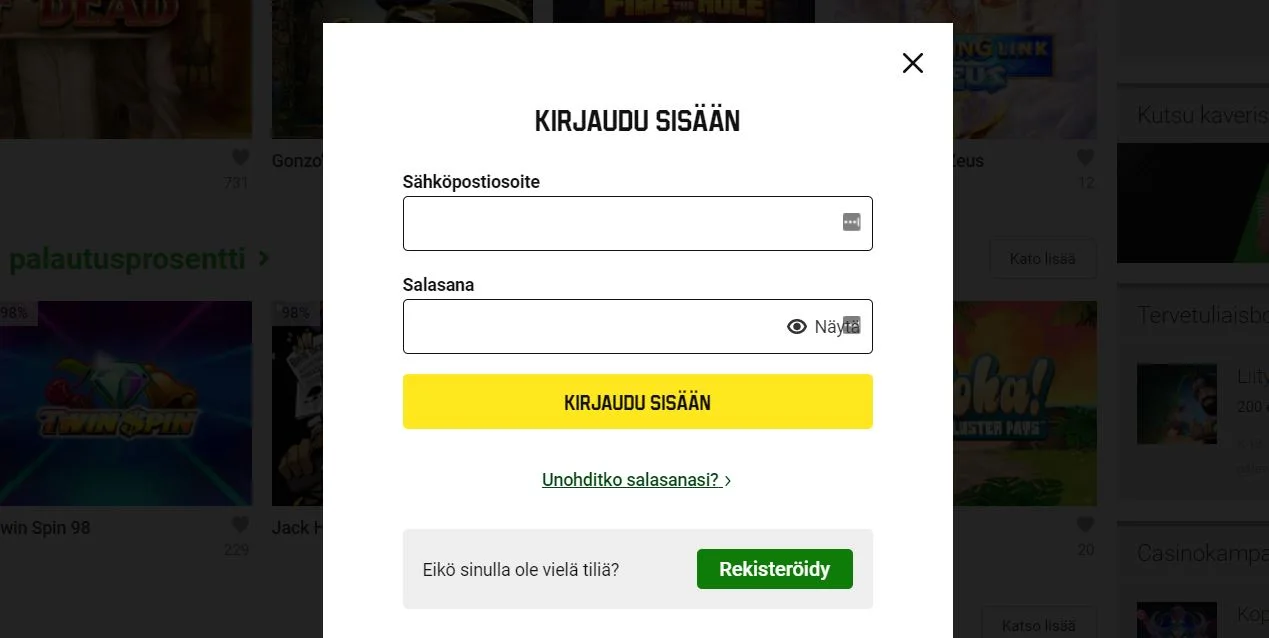
Open the Unibet website where you created the account. Look for Log in in the header. Enter the same email or username you registered with.
A bookmark, search result or copied link can land on an old, regional or unofficial page. If the address bar does not match the Unibet site you usually use, close it and open Unibet again from a known bookmark or by typing the address yourself.
Reset the password
On the official login form, use Forgotten password. Unibet sends a reset link to the email address on the account. After you set a new password, update it on every browser and on the Unibet app so one device does not keep an old saved password.
Do not store the password in a notes app or send it to anyone who contacts you claiming to be support. Unibet will not ask you to email your password.
A reset on one device can sign you out elsewhere. That is expected. It is not a reason to open a new casino account.
Browser, app and temporary site errors
If the password is correct and the login page is official, try a technical pass before assuming the account is closed:
- Reload the page, then try again later. Short outages happen.
- In the browser: update it, try a private window, and clear cache or cookies for Unibet only.
- Turn off VPN, extra extensions or ad blockers that can block login scripts.
- In the Unibet app: force-close it, check for an app-store update, or reinstall it. Then sign in with the new password.
- Confirm date, time and internet connection on the device. Wrong device time can break secure login.
If the whole site fails to load, wait and retry. Status-check websites can be a rough signal, but Unibet support is the source that can confirm an account-side block.
Contact official Unibet support
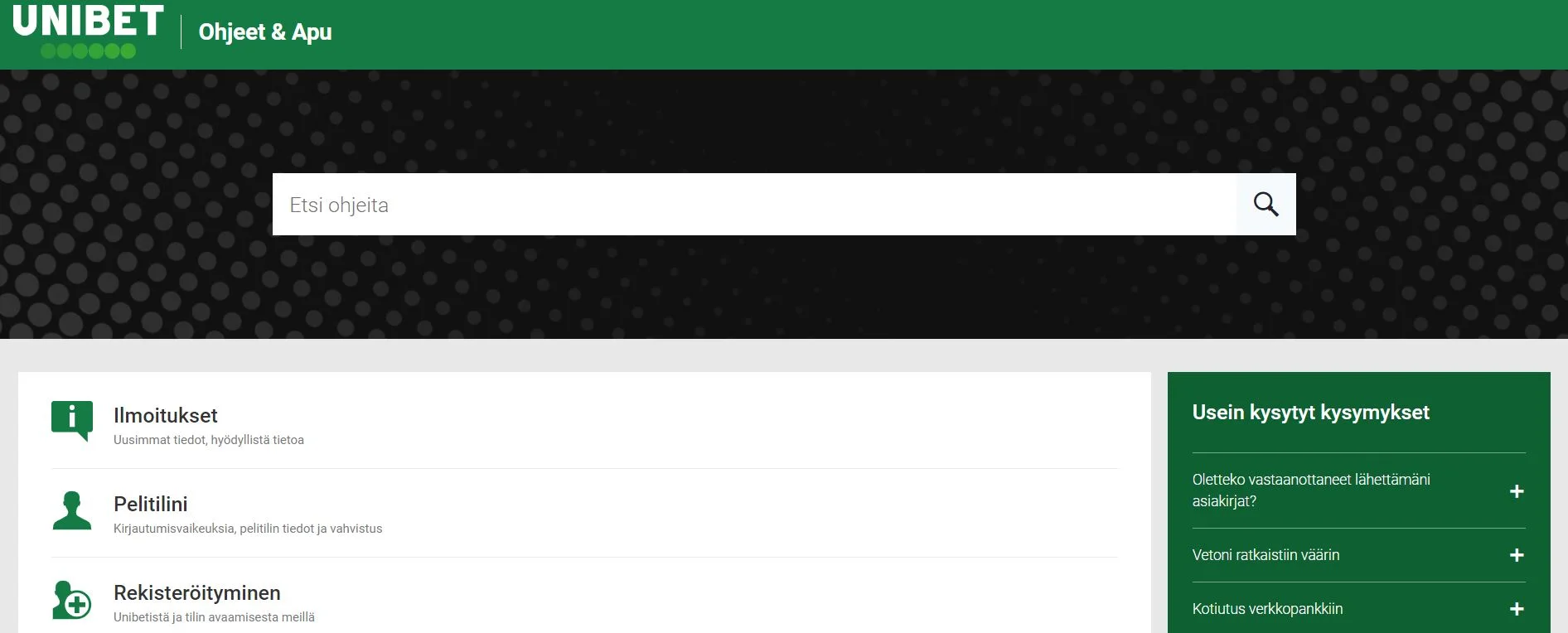
Use the Help link on the same official Unibet site. Help centres typically offer live chat and a contact form. Prefer those channels over social-media messages or third-party “recovery” pages.
Have this ready: the email on the account, the approximate registration date, and a short description of the error text you see. Do not share your password.
Verification, limits and self-exclusion are not login bugs
A failed login or a frozen account can be an account-control issue rather than a forgotten password.
Know Your Customer (KYC)
Unibet may ask for proof of identity or address before you can use the account fully. If documents are missing, expired or still under review, support can tell you what is outstanding. That is a verification step, not a site crash.
Account limits and security holds
Deposit limits, cooling-off settings, payment failures or a security review can restrict the account even when the password works. Ask support what restriction is active. Do not treat a limit as a reason to open a second account at another brand.
Self-exclusion
If you asked Unibet to block the account, or used a self-exclusion tool, login will stay blocked for the period you chose. Self-exclusion is a safer-gambling control. It is not a technical error, and it is not something this site can or should help you bypass.
Do not look for another operator in order to keep playing during an exclusion or a limit you set. If you need help with gambling, use the responsible-gambling tools in your Unibet account or a recognised local support service.
If support confirms the account is active and the password is new, repeat the browser or app steps above. If support confirms a verification request, a limit or an exclusion, follow that answer — not a third-party workaround.
18+. Gambling involves a risk of losing money. Last reviewed: 18 September 2026.